2D game development begins with selecting a suitable game engine. Workflow, graphics quality, animation capabilities, and ease of programming all depend on this.
We’ll talk about the best 2D game engines for games in this article, compare their pros and cons, and help you choose the right tool for your project.
What is a game engine
A game engine is a set of tools that allow developers to create and manage game projects, including the graphics, animation, physics, sound, interface, and game logic. For 2D games, the engine provides tile maps, sprites, collision handling, and support for exporting to different platforms.
Some engines are universal and can support 3D while also still providing a powerful 2D framework. Others were specifically created for 2D and make it easier to develop visual novels, retro games, and platformers.
Which engine should I choose for 2D development
Before choosing a game engine for 2D game development, it’s important to understand the difference between 2D and 3D. A 2D engine’s main features are its ability to optimize for sprites, tile maps, and animation and the simple workflow for creating 2D graphics.
These engines provide developers with visual tools to place objects, manage collisions, and work with the camera, all without having to delve into complex 3D models, shaders, and volumetric physics.
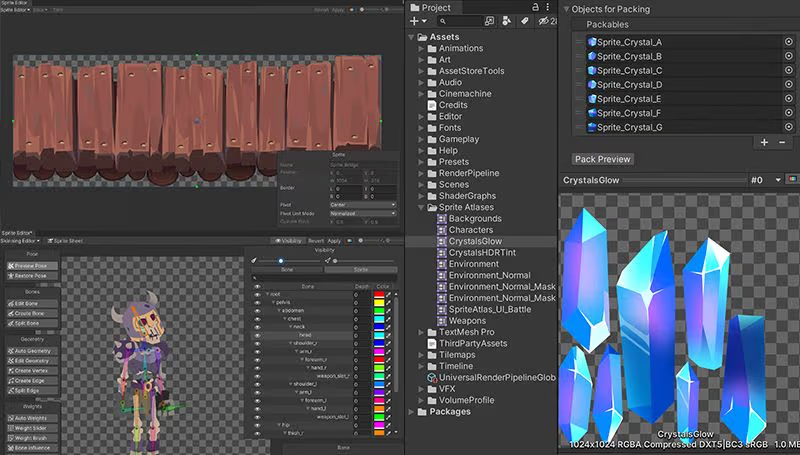
Working with a 2D game in Unity. Source
The following abilities are the most important for 2D game development:
- Creating and editing sprites easily and quickly changing visual assets and animations.
- A convenient system of tiles and maps, especially for platformers and RPGs.
- Efficient handling of collisions and physics that doesn’t impact the performance unnecessarily.
- Easy integration of visual effects and interfaces, such as adding particles, UI, and additional elements, all without complex programming.
Using an overly complex 3D-oriented engine, like Unreal Engine, is often unnecessary and ineffective for simple 2D projects. These programs provide tons of opportunities, but they increase system requirements and the complexity of the workflow.
This can cause beginners and indie developers to spend extra time mastering features that aren’t needed for their game instead of being able to focus on bringing their project to life.
Reviewing the best 2D game engines
The perfect 2D engine combines simplicity, efficiency, and a set of tools that are actually suited for 2D game development. This allows developers to implement their ideas faster, control their workflow, and improve graphics quality while avoiding unnecessary complexity and additional costs.
Unity—the best universal game engine
Unity combines 2D and 3D capabilities into one, offering professional tools that can be used to create all manner of projects. It supports sprites, animation, physics, tile maps, and integration with external libraries.
Some well-known games created with Unity are Hollow Knight, Cuphead, and Ori and the Blind Forest.

Hollow Knight—made with Unity. Source
The free version, called Personal, is available for developers making up to $100,000 per year. The Pro version starts at $200 and unlocks additional analytics tools, cloud services, premium assets, and professional support.
Pros:
- A rich library of assets and plugins.
- Multi-platform support: PC, mobile, console, WebGL.
- A strong community and lots of learning materials.
- The powerful C# programming language and visual tools for animation and UI.
C# is a modern programming language that was developed by Microsoft. It features clear syntax, extensive object-oriented programming capabilities, and good performance optimization. Thanks to its large ecosystem and lots of ready-made libraries, it’s convenient for managing physics, animation, and object interactions.
Cons:
- Unity can be difficult for beginners.
- Overkill abilities for simple 2D games with minimal graphics; it’s better to choose something else.
- The engine requires a fairly powerful computer to run comfortably. The minimum computer requirements for running Unity depend on the engine version and your operating system, but in general, they are as follows:
For macOS:
- OS: macOS 12 (Monterey) or newer.
- Processor: Intel Core i5 / Apple Silicon (M1, M2, and higher).
- RAM: minimum 8 GB (but 16 GB is better).
- Graphics card: any with Metal support.
For Windows:
- OS: Windows 10 or 11 (64-bit).
- Processor: Intel Core i5 (4th gen) or AMD equivalent.
- RAM: minimum 8 GB (16 GB or more recommended).
- Graphics card: supports DirectX 11 and Shader Model 4.5 (for instance, NVIDIA GTX 960 or equivalent).
- Free disk space: at least 10 GB for the editor installation + space for projects.
- An SSD drive isn’t required, but it does significantly speed up editing and assembling the project.
Unity can run on less powerful systems, but to operate comfortably (especially when creating large 2D projects), you’ll need a computer with 16 GB of RAM and an SSD drive.
Godot—a free, open-source engine
Godot is a 100% free open-source engine with a simple GDScript language and a user-friendly 2D editor. It’s a good fit for indie developers and small studios. Projects created with Godot include Deponia Doomsday and Rogue State Revolution.
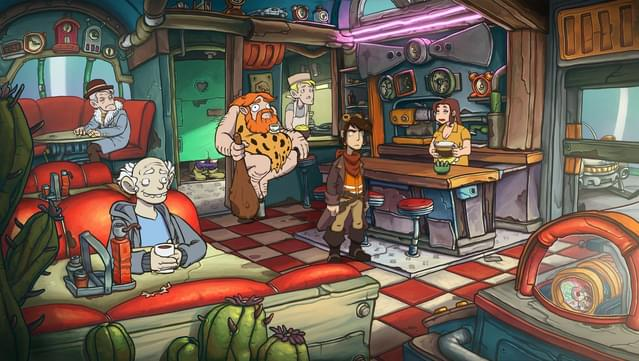
Deponia Doomsday. Source
The engine is 100% free and doesn’t require any licenses or subscriptions. The open-source code allows for additional modules and plugins to be added.
Pros:
- Free and open-source, with no restrictions for commercial use.
- Easy and quick to get going for beginners.
- Includes built-in tools for animation, GUI, and tile maps.
- An active community and detailed documentation available.
Cons:
- Fewer ready-made assets than Unity.
- Godot isn’t that powerful when it comes to 3D or larger projects.
- Some of Godot’s complex features require GDScript programming, which isn’t necessary for smaller 2D games.
GameMaker Studio 2—great for retro and pixel games
GameMaker Studio 2 is optimized for 2D development and has a visual editor plus its own GML language. Some games that have been created with it are Undertale, Hyper Light Drifter, and Katana ZERO.
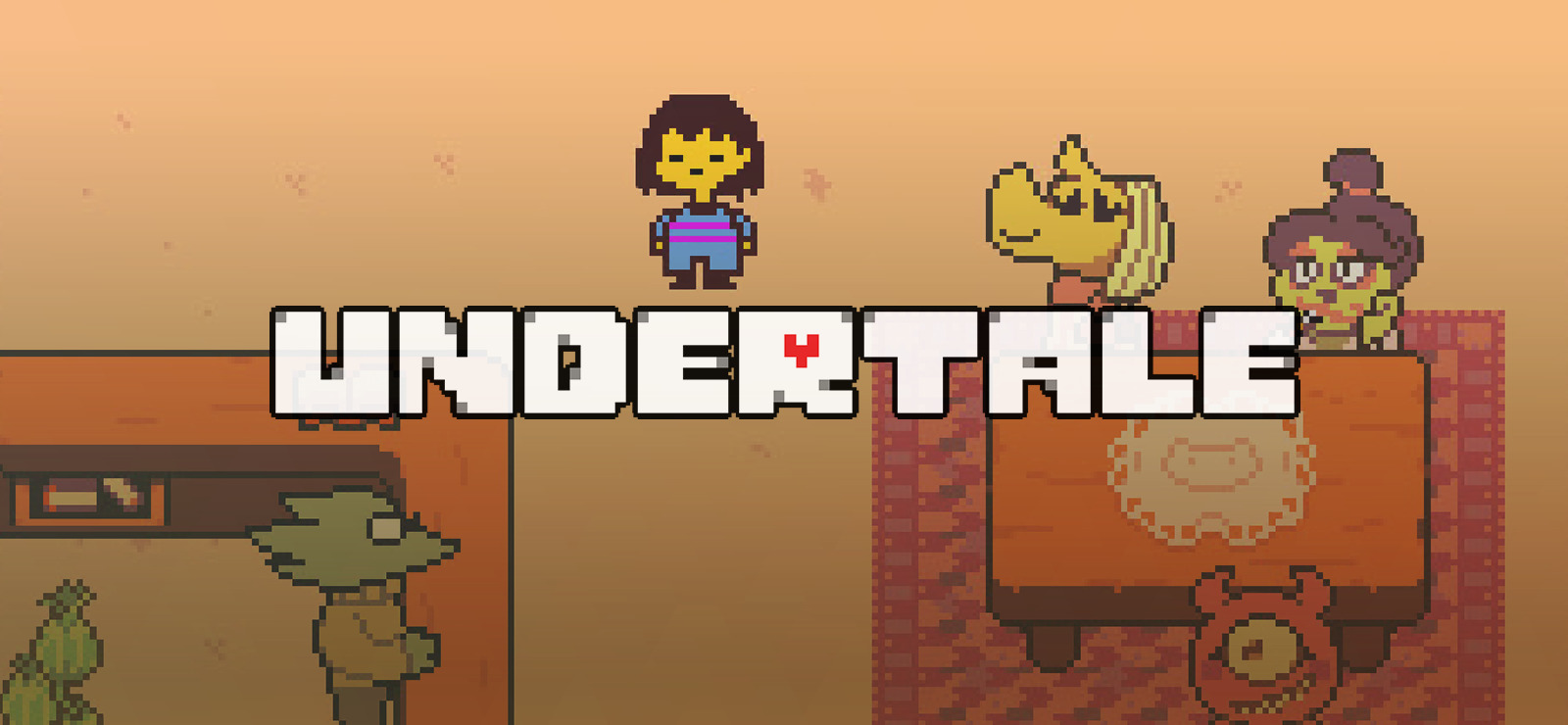
Undertale. Source
The service can be downloaded for free from Steam. GameMaker Professional and Enterprise start at €67.99.
Pros:
- Simple for beginners to learn.
- Helps with rapidly prototyping and visual programming.
- Suitable for pixel art and retro games.
Cons:
- A paid license is required for commercial releases.
- Compared to Unity, the engine isn’t as flexible for large projects.
Construct 3—a visual constructor
Construct 3 allows you to create games without programming by using visual events. It’s suitable for mobile and web projects. Some examples of games created with Construct 3 are The Next Penelope and Cosmoscroll.
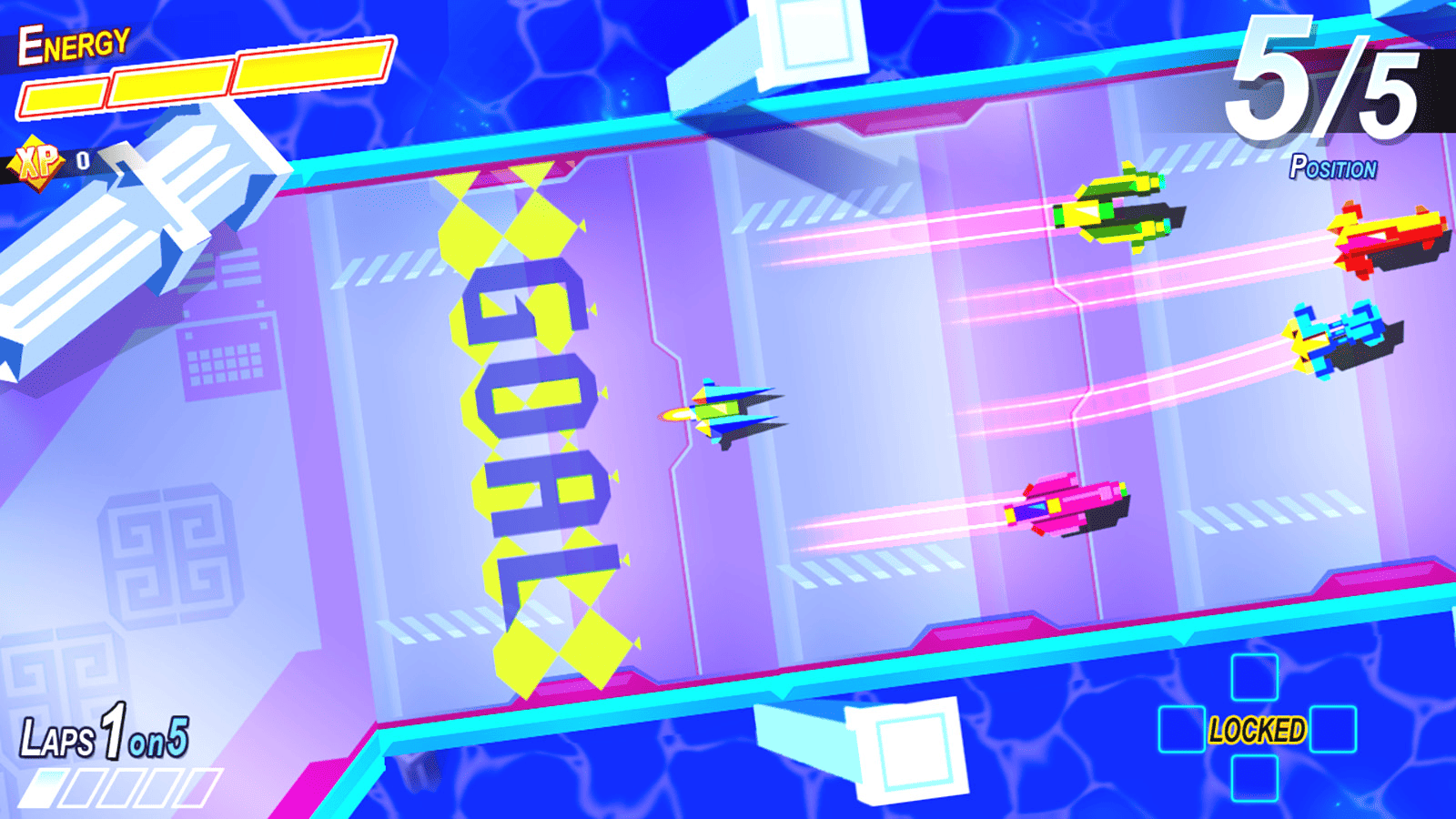
The Next Penelope. Source
Developers can create free accounts with limitations on projects and exports. Subscriptions start at $119 per year and unlock exports to all platforms and premium features.
Pros:
- Easily create 2D games without any programming skills.
- Rapid prototyping.
- Cross-platform exports.
Cons:
- Limited code control.
- Not suitable for complex projects with custom logic.
RPG Maker—one of the best development tools for visual novels and RPGs
RPG Maker is designed for JRPGs and visual stories. It supports tile maps, dialogs, and combat. Examples of games created with it: To the Moon and Lisa: The Painful.
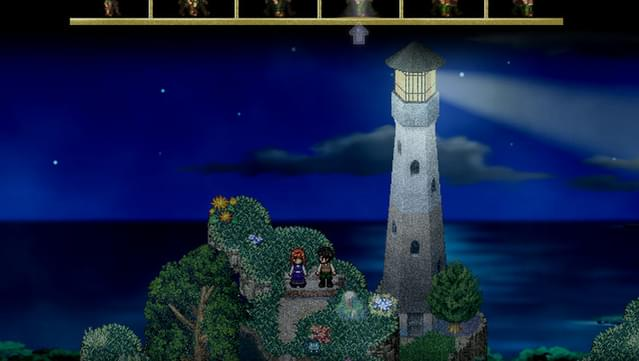
To the Moon. Source
The service can be bought on Steam (like a regular game) for €24.5. DLC and assets are sold separately.
Pros:
- Easy and quick to start.
- Pre-made templates, characters, and tile maps.
- Low barrier to entry, making the service suitable for beginners and small studios.
Cons:
- Low capabilities for non-standard genres.
- Not suitable for platformers or action games with complex mechanics.
Paper 2D—2D framework for Unreal Engine
Paper 2D is a built-in 2D tool in Unreal Engine 5. It’s good for experienced developers who want to use Unreal Engine 5 graphics and effects—this engine is considered unsuitable for 2D due to its redundancy, so Paper 2D was designed specifically for making 2D games on Unreal Engine 5.
The service is free to use, but commercial projects require Unreal Engine licensing terms (5% royalties after $1 million revenue).
Pros:
- Powerful graphics and visual effects.
- Integration with 3D and Blueprints.
- Supports powerful projects.
Cons:
- Resource-intensive and difficult for beginners.
- Requires knowledge of C++ and Blueprints.
- Overkill for simple 2D games and only suitable for those already working with Unreal Engine.
Buildbox—create games without coding
Buildbox focuses on starting fast and creating games in a visual manner. Some games created with it are Color Switch and The Line Zen.
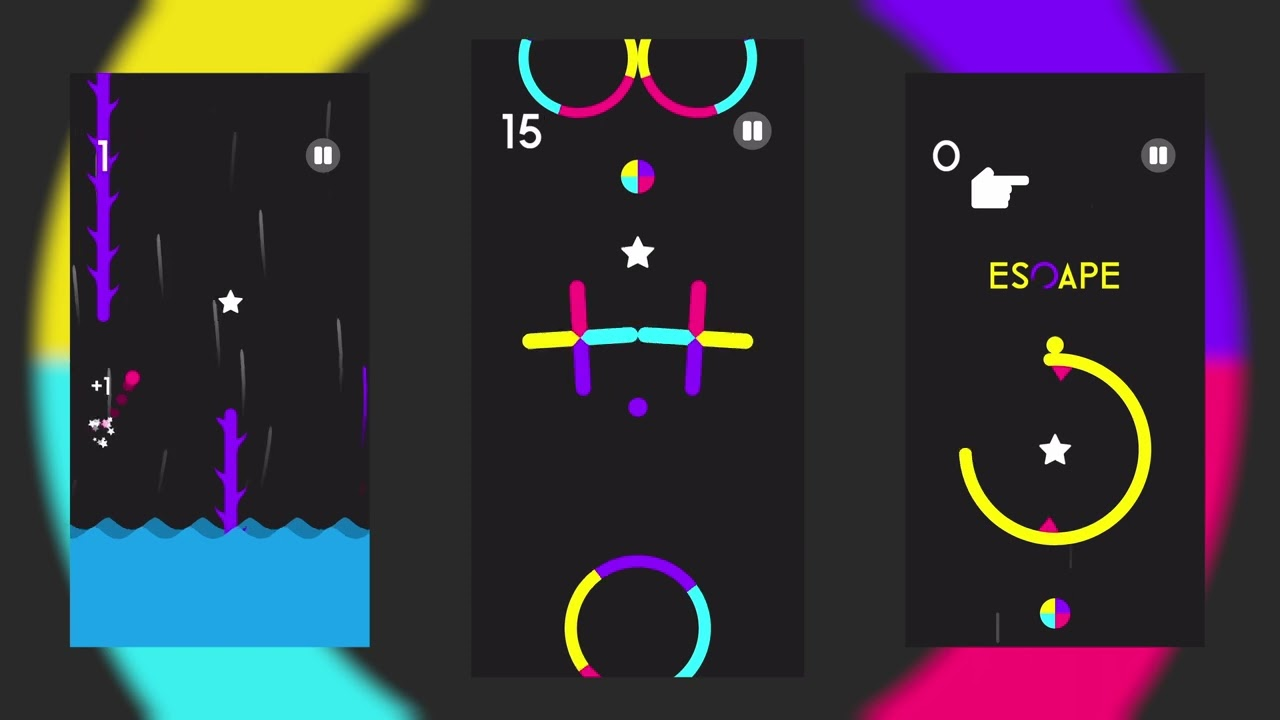
Color Switch. Source
The free version can host a limited number of projects and templates. Full access to exports and premium features requires a subscription, which starts at $3.46 per week. And yes, you can pay for the service on a weekly basis.
Pros:
- Fast workflow.
- Pre-made templates and assets.
- Integration for mobile game monetization.
Cons:
- Limited customization options.
- Not suitable for complex projects with unique mechanics.
Solar2D (Corona)—a lightweight mobile engine
Solar2D uses Lua and supports cross-platform 2D mobile game development. It’s a completely free and open-source engine with no restrictions.
Lua is a programming language that’s often used for embedding in games and apps. Its advantages include its small size, high performance, and flexibility. Lua is typically used in games for event scripting, AI control, gameplay logic, and interface control, while the base engine may be written in another language, such as C++.
Pros:
- Light and fast.
- Suitable for mobile games.
- Solar2D is open-source coded.
Cons:
- Minimal number of visual tools, and everything is done through coding.
- Solar2D only works for mobile platforms.
libGDX—Java framework for advanced developers
libGDX is a Java game development framework aimed at experienced developers who want full control over gameplay and graphics. Some games that have been created using the framework can be found directly on libGDX’s website and include Residual, Space Haven, and other indie games.
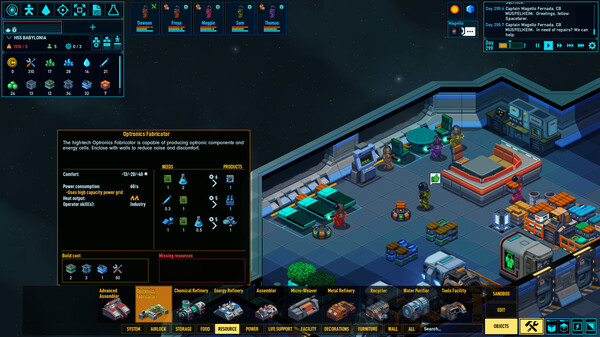
Space Haven. Source
Unlike visual engines such as Unity or Construct, libGDX doesn’t provide a pre-made scene editor or visual interface, as everything is built through coding. This allows for a lot of flexibility but does require programming skills and an understanding of the game’s architecture.
This engine is 100% free and is an open-source project, but it can be difficult to learn.
Pros:
- Flexibility and high performance.
- Cross-platforming: PC, mobile games.
- Versatile with a framework that’s suitable for complex and custom projects.
Cons:
- Requires programming skills.
- No visual editor—everything is done via coding.
Ren’Py—the best for visual novels
Ren‘Py uses Python and is designed for creating visual novels and interactive stories. Some examples of games created with Ren’Py are Doki Doki Literature Club! and Long Live the Queen.
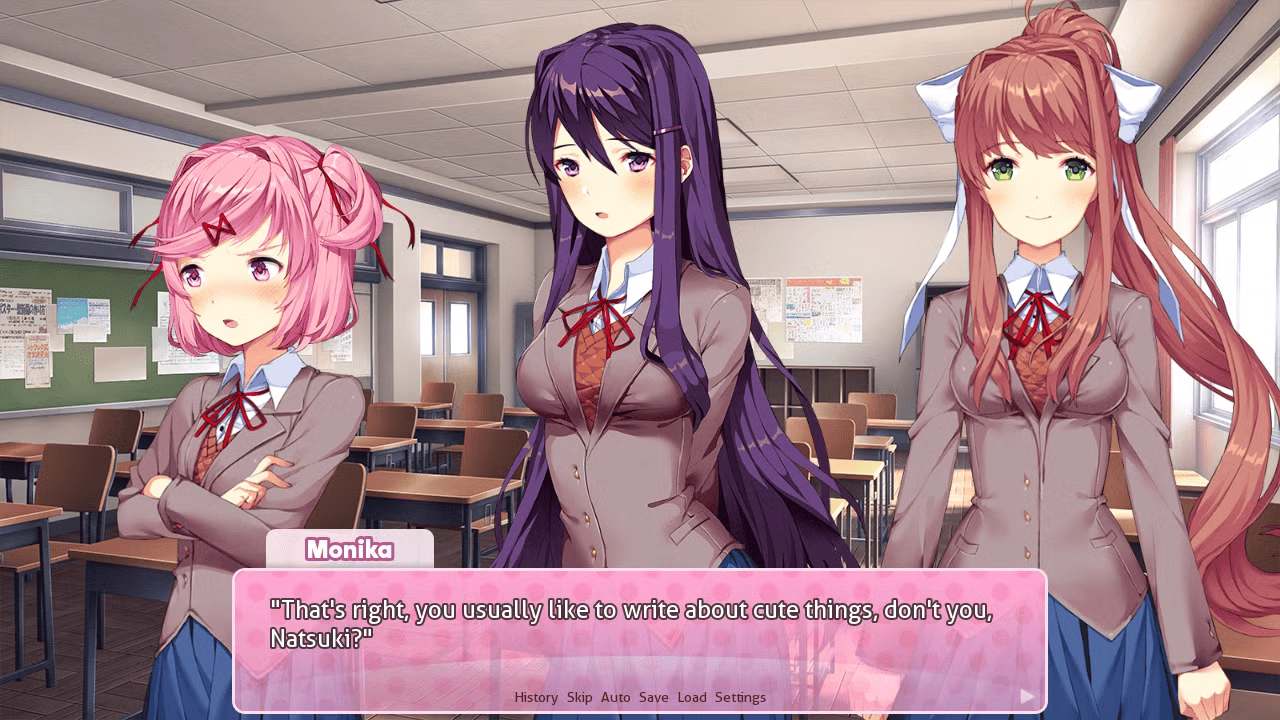
Doki Doki Literature Club! Source
It’s a free and open-source engine that can be used for commercial projects.
Pros:
- Easy for beginners to learn.
- Cross-platform exports.
- Versatile and suitable for both visual novels as well as more complex interactive stories.
Cons:
- Limited capabilities for platformers or action games.
- Not designed for very complex graphics and animation.
Comparing 2D game engines: which is best for you
Below you’ll find all of the engines previously mentioned rated on key indicators such as cost, which groups they’re best for, which languages they work in, and how simple or complex they are.
| Engine | Free/Paid | Level of mastery / Who it’s good for | Programming language |
| RPG Maker | One-time cost of €24.5 | Very easy/beginners | Ruby/JavaScript (new versions) |
| Construct 3 | Free version has restrictions; subscriptions start at $119/year | Very easy/beginners | Visual events (coding not required) |
| Buildbox | Free version has restrictions; subscriptions start at $3.46/week | Easy/beginners and mobile developers | Visual blocks (coding not required) |
| Ren’Py | Free | Very easy/beginners and visual novel creators | Python |
| Godot | Free | Easy/beginners and indie developers | GDScript (supports both C# and C++) |
| GameMaker Studio 2 | Free; professional version starts at €67.99 | Medium-easy/beginners and indie developers | GML |
| Solar2D (Corona) | Free | Easy/beginners and mobile developers | Lua |
| Unity | Personal version (up to $100,000 revenue) is free; Pro is $200/year | Medium; indie and professional developers | C# |
| libGDX | Free | Medium/hard; experienced developers | Java |
| Paper 2D (Unreal Engine 5) | Free; royalties of 5% after $1 million in revenue | Difficult; experienced developers | C++/Blueprints |
In conclusion
When choosing the best engine, it depends on your goals for the project, experience, budget, and platform. The most important thing is to choose an engine that will allow you to focus on creating your game, not on configuring the tools.
Beginners should focus on visual designers, while indie developers can start with Godot or GameMaker. Professional studios can work with Unity or even Unreal Engine, which we didn’t cover in this article.